
A business card is the most used piece of paper in a deal — and the easiest to lose. BizCard puts cards, contacts and follow-up into one WeChat mini program: a digital card that opens with a scan, contacts that land in a company-wide address book, and visit logs that carry their next appointment straight into the work schedule.
1. The problem
Change role and the cards you handed out are already out of date. Customer details live on individual phones, so when a rep leaves, the relationship leaves with them. Company profiles printed on a card freeze at the year it was printed. Once a team grows past a handful of people, nobody can say for sure who holds the customer data.
BizCard moves all of this back into a system: cards are maintained in one admin console, contacts enter a company address book, visits and to-dos enter the work schedule — and when staff move on, the customer data stays.
2. Where it usually hurts
- Paper cards end up in a drawer, then get typed into a spreadsheet that keeps growing
- Customer data sits on individual phones; when the rep leaves, the customer goes too
- Company profile, products and photo album on the card never get updated
- Visit notes stay in a notebook, and the follow-up date depends on memory
- Field routes are guesswork — five calls a day, two of them wasted on the road
3. How it works
3.1 Digital card and card code
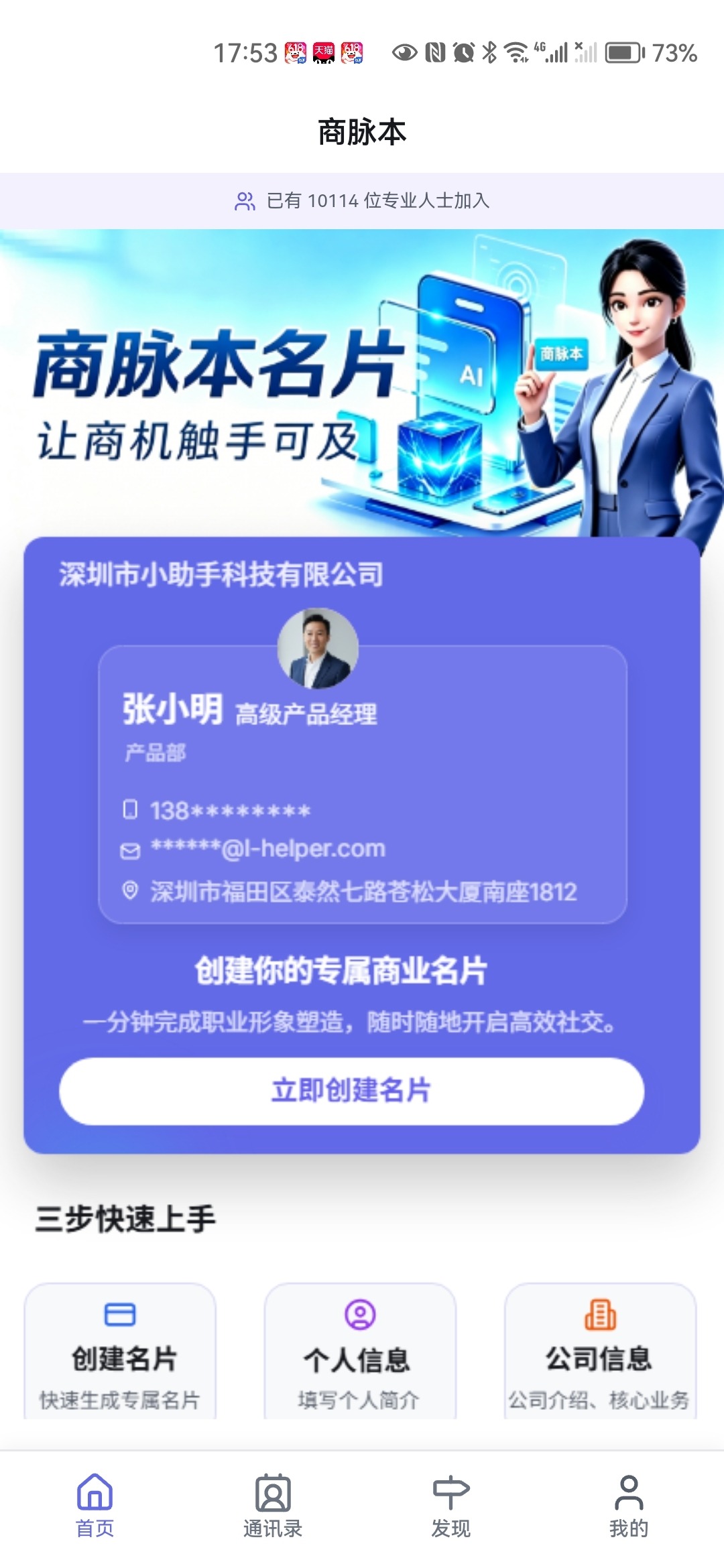
Several card templates to start from — upload a portrait, title, company and contact details and publish. Below the card, a full company profile: logo, promo video, photo album and a product and service list, so one card carries the whole company front page.
The card is shared as a mini-program code: clients scan and land on it with no app to install. Content is edited in the back office, so what they scan is always the current version. Your personal card code can be saved to the camera roll for in-person meetings.
3.2 Address book and contact map
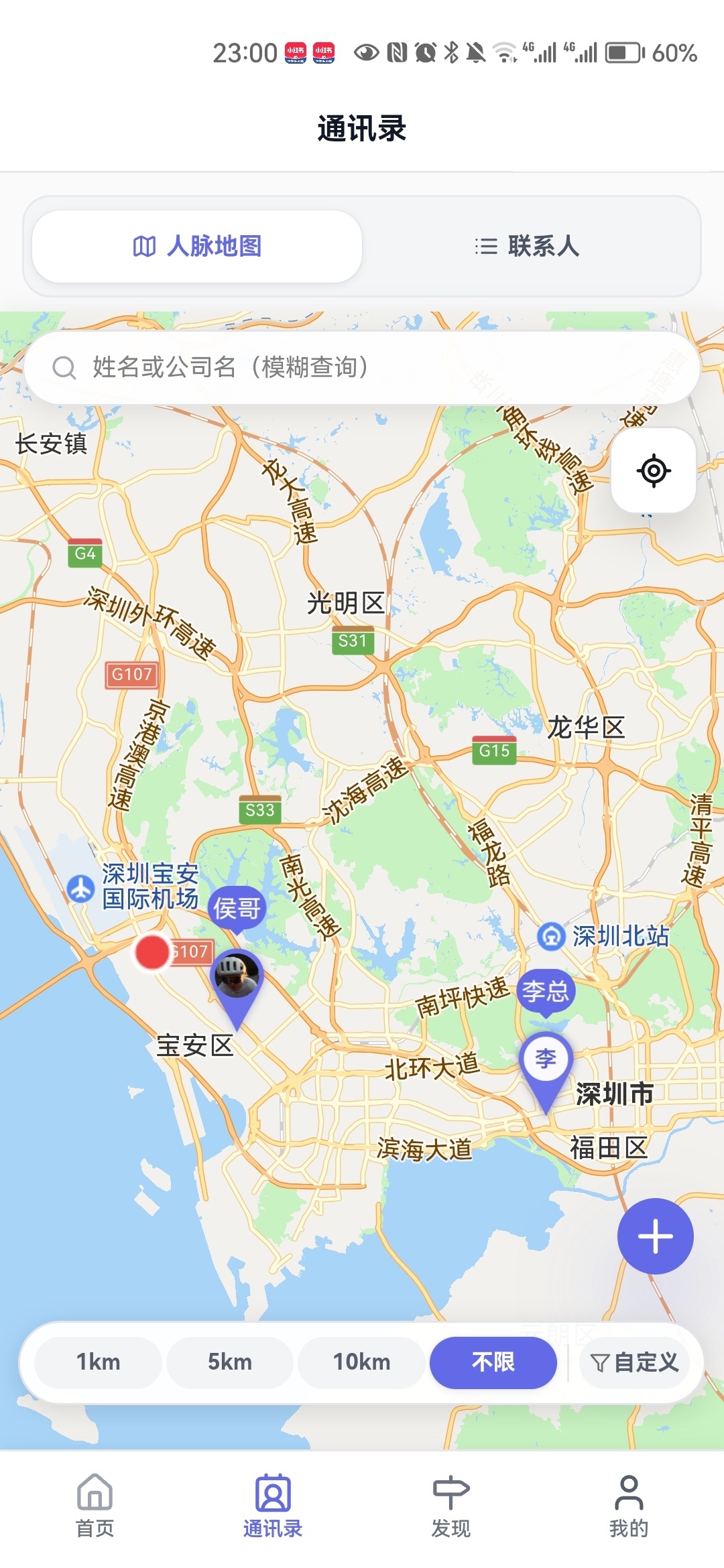
Exchanged contacts go straight into the address book, indexed by letter, with tag filters, smart sorting and one-tap calling; the phone address book can be imported as well. The contact map plots people by distance — 1 km, 5 km, 10 km, unlimited, or any radius from 0.05 to 20,000 km — so a trip can be planned around who is actually nearby.
3.3 Reading paper cards
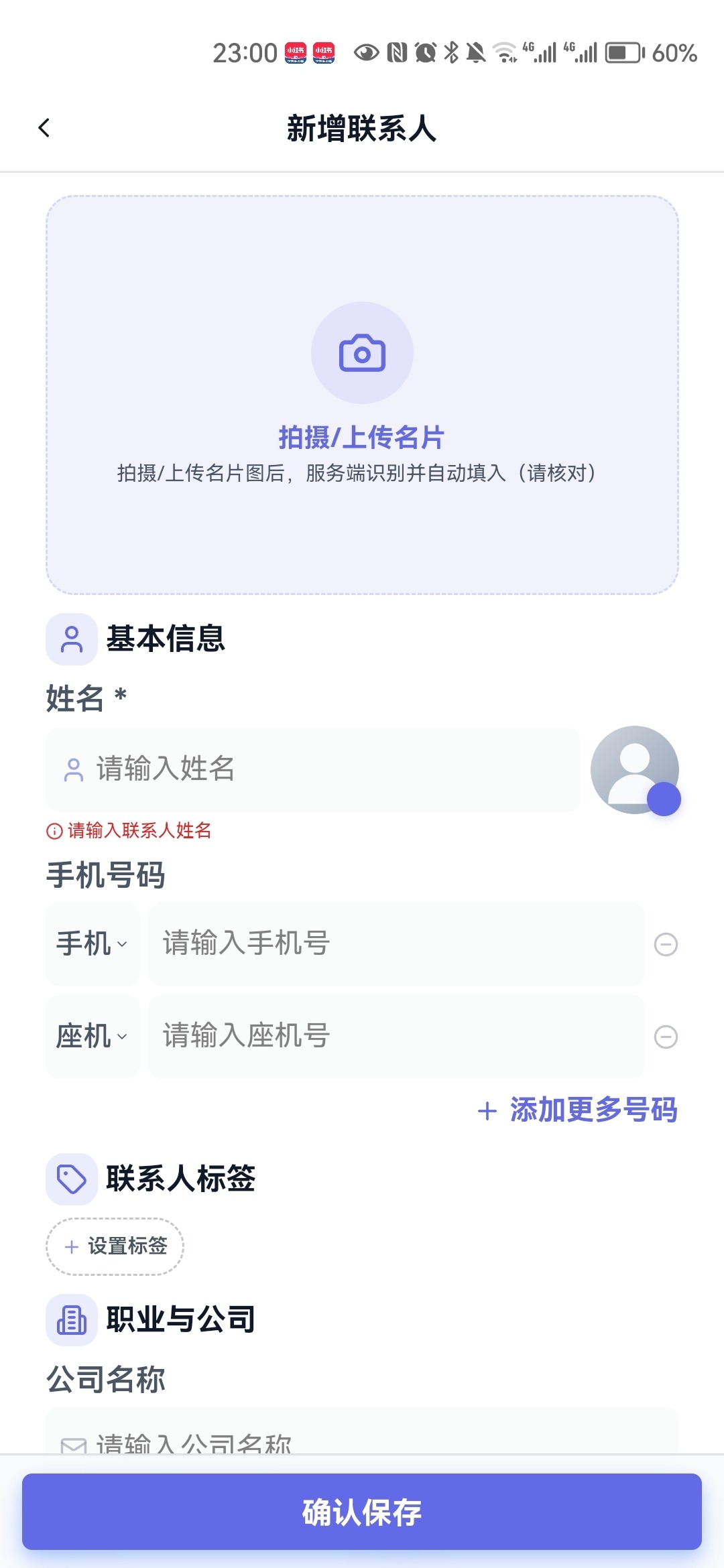
Photograph a paper card and the name, company, title, phone and address are read and filled in; anything else is completed by hand. After a trade show, a stack of cards no longer means an evening of typing.
3.4 Nearby places and check-ins
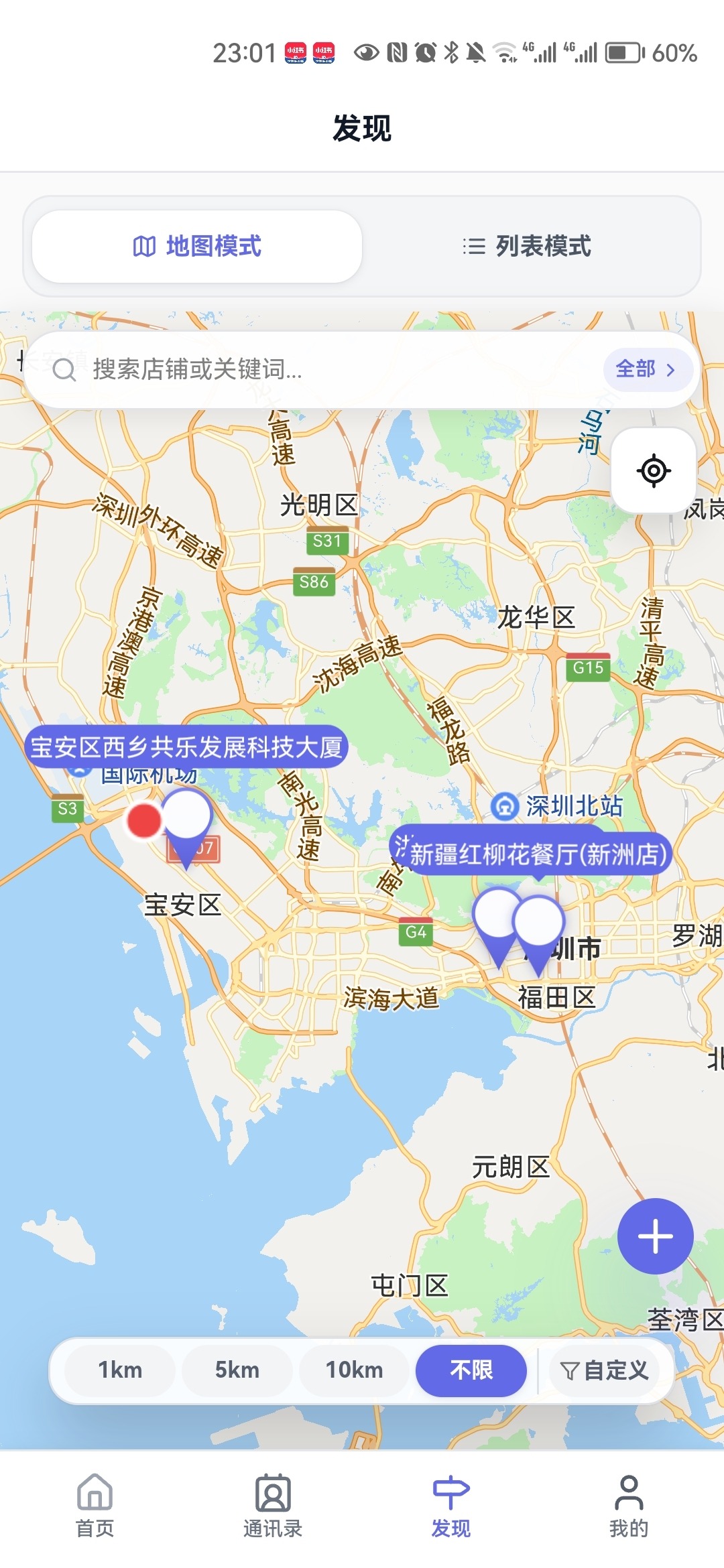
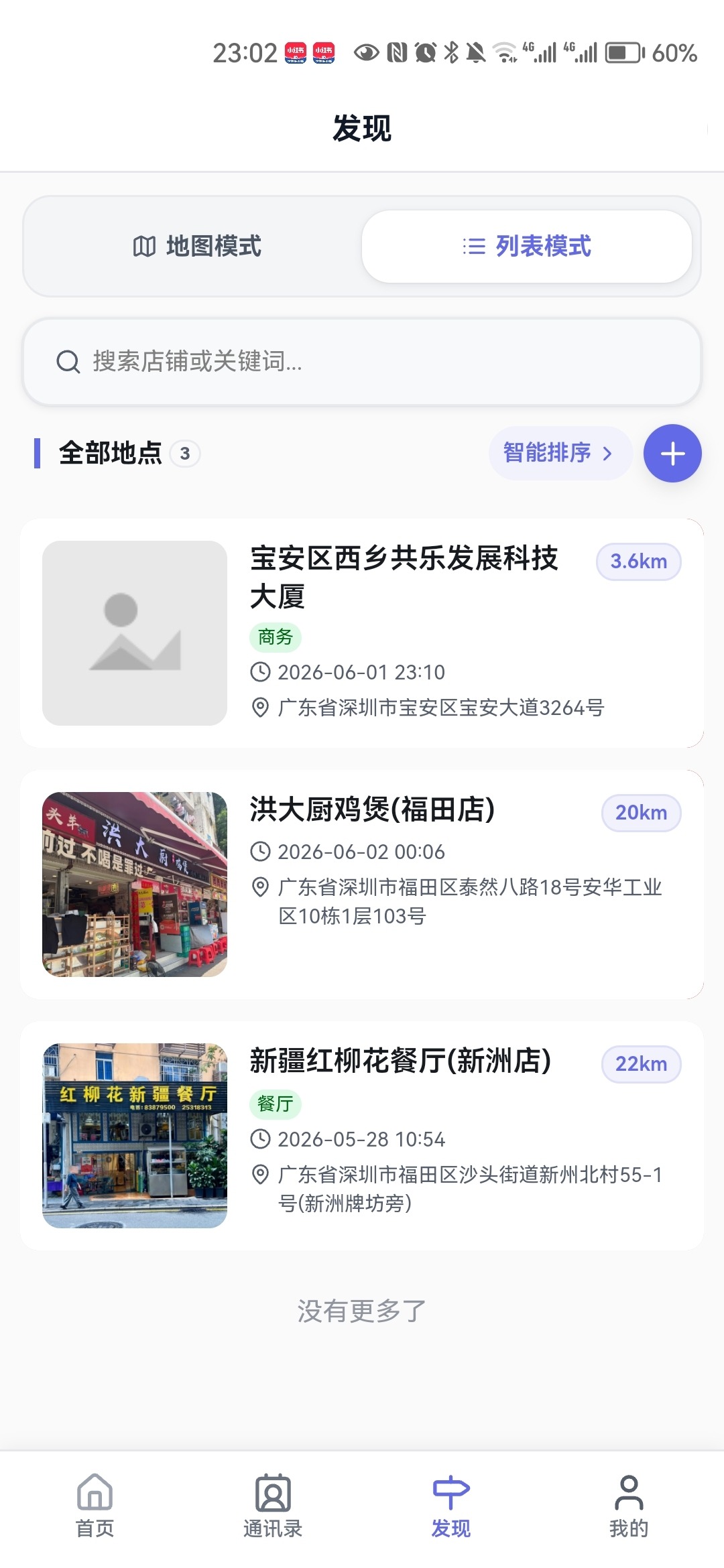
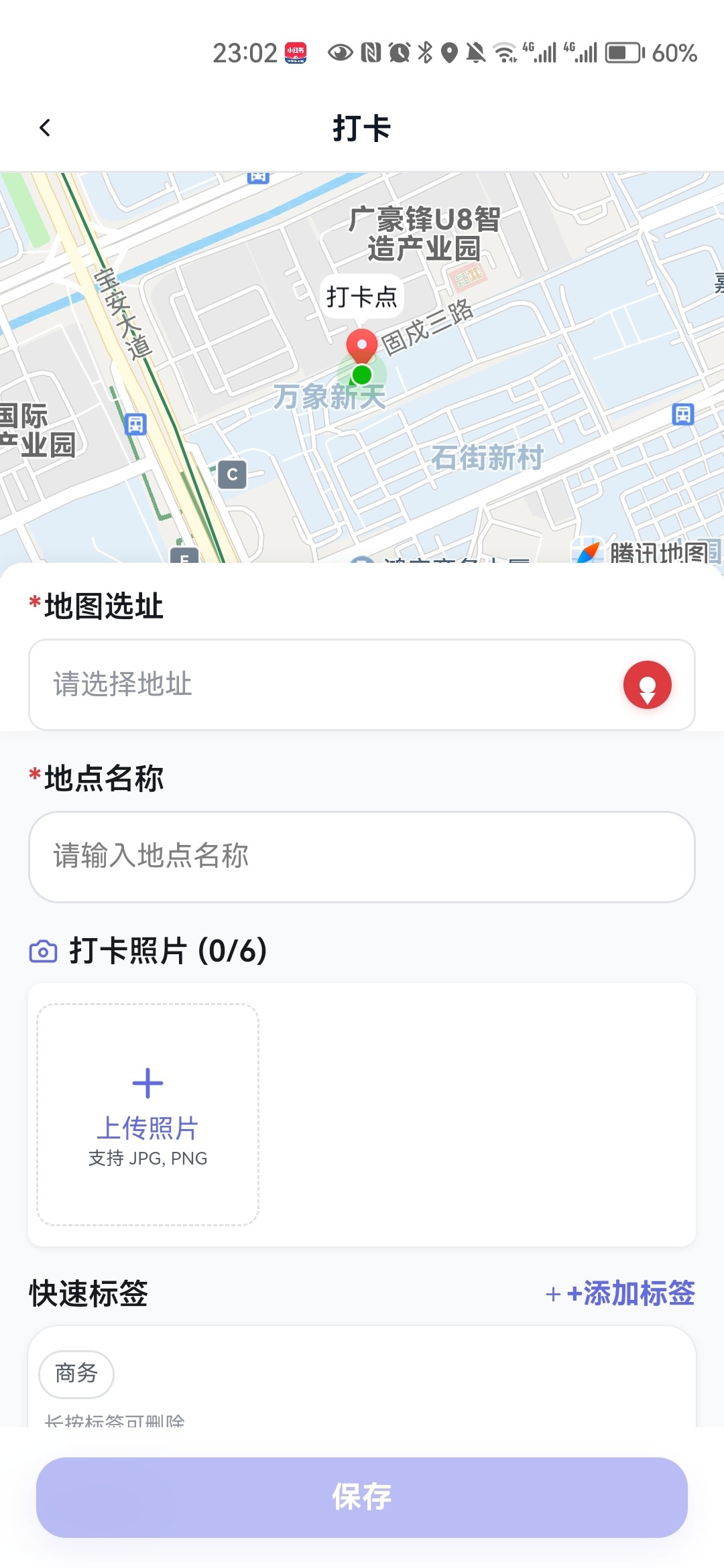
Browse nearby business venues in map or list mode. A check-in records the highlights, average spend, capacity and hosting notes, so the whole team works from one shared view of a venue instead of asking around every time.
3.5 Visit logs and the work schedule
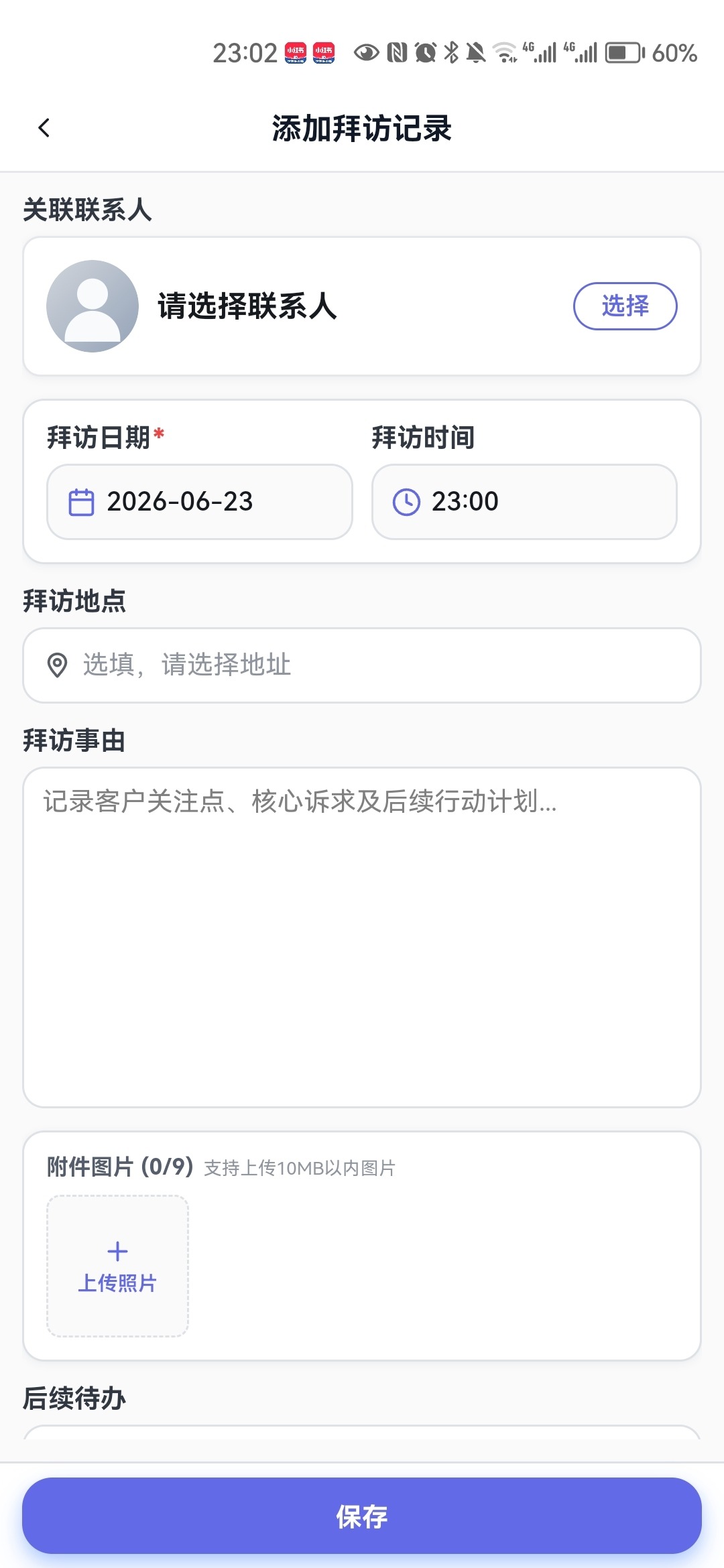
Each visit records the time, place and purpose, together with the next visit date and follow-up tasks. Saving it adds the entry to the work schedule, and opening the mini program that day shows what is due — who to visit, which account to call back — before you reach the office.
The schedule syncs to the phone calendar and sends WeChat reminders, and can be viewed as a calendar or as a list, by week or by month: the calendar shows clashes in a busy week, the list shows the rhythm of call-backs across months.
3.6 Admin console and permissions
Card content, company material and member permissions are maintained centrally and reach the front end immediately. Visitor logs plus view and forward counts show how far a card travels — and which accounts are being looked at again and again.
4. Where it fits
Field sales and client visits
Five calls a day: the visit log books its own follow-up, and the map plans the route by distance.
Trade shows and networking
Scan cards at a show, filter by tag and distance afterwards; paper never piles up in a drawer, and the company profile is always current because it is edited once, centrally.
Channel and distributor management
Head office maintains the company profile, products and album while each rep carries their own card — one consistent face to the market, and customer data that stays with the company when people move on.
5. Delivery and rollout
Two delivery options: SaaS activation, usable the same day, billed per member; or a self-hosted deployment where the data stays entirely with you and fields and flows are customised to your visit and follow-up process.
Rollout usually takes three steps: configure card templates and company material, import existing customers and phone contacts, then train the team and run a one-week pilot before going live.
Want cards, customers and follow-up in one mini program?
Tell us how your team visits and follows up today; we will come back with a module list, the configuration and a rollout plan.